
Resumen:
- A secure online account list records service names, URLs, usernames, and notes without including passwords. Regularly auditing and updating the list, combined with strong authentication methods like hardware keys and passkeys, enhances security. The primary email account must be highly protected since it controls access to all other accounts.
A secure online account list is a carefully maintained inventory of your digital accounts that records service names, usernames, and URLs without storing passwords alongside them. This distinction matters more than most people realize. Weak or reused credentials cause 16% of data breaches, which means poor account management is not a theoretical risk. It is a documented cause of financial loss. For high-net-worth individuals and businesses, the stakes are higher still. A structured account inventory, paired with strong authentication, is the foundation of any serious online account security checklist.
1. How to build your secure online account list
The first rule of a secure online account list is simple: passwords do not belong in it. The list is an inventory, not a vault. Its purpose is to give you a clear picture of every account you own so you can manage, audit, and secure each one systematically.
Record these four elements for every account:
- Service name: The platform or institution (e.g., Prominencebank, your email provider, cloud storage)
- URL: The exact login address, which prevents phishing confusion later
- Username or email: The identifier you use to sign in
- Notes: Account tier, linked payment method, or recovery email address
Organize accounts by category and priority. Financial accounts and primary email sit at the top. Below those come work tools, subscriptions, and social profiles. This hierarchy tells you where to focus your security effort first.
Audit the list every three months. Remove accounts you no longer use. Inactive accounts are live attack surfaces, and unused accounts should be deleted regularly to reduce exposure.
Consejo profesional: Store the list in an encrypted notes app or a dedicated spreadsheet with file-level encryption. Never save it in a plain text file or an unprotected cloud document.
2. Securing each account on your list
Building the list is step one. Securing every account on it is the ongoing work. A focused 90-minute process covers the core steps: install a password manager, update passwords, enable two-factor authentication (2FA), and set passkeys where available.
Apply these methods to every account on your list:
- Unique passwords of 16 or more characters: One password per account, no exceptions. A password manager generates and stores these automatically.
- autenticación multifactorial (MFA): Use an authenticator app rather than SMS. SMS codes are interceptable; app-generated codes are not.
- Passkeys: Passkeys eliminate password risks by linking your identity to a physical device. They also block phishing because there is no secret to steal.
- Hardware security keys: FIDO2-compliant keys are immune to remote phishing and man-in-the-middle attacks. They are the strongest 2FA option available for high-value accounts.
- Recovery codes: Generate them, then store them in the secure notes section of your password manager. Recovery codes stored outside a password manager lead to account lockouts and difficult recovery processes.
Start with your primary email account. The primary email is the master reset key for every other account you own. An attacker who controls your email can reset every password on your list within minutes.
Consejo profesional: After any security event, go to each account’s connected apps section and revoke access for any third-party service you no longer use. Password changes alone do not cut off OAuth token access.
3. Account management for businesses and high-net-worth individuals
Businesses and high-net-worth individuals face a different threat profile than casual users. The account inventory is larger, access is shared across teams, and the financial consequences of a breach are severe. A seguro proceso bancario en línea for this group requires more structure than a personal checklist.
Follow these steps to manage accounts at the business or high-value level:
- Identify critical accounts first. Separate financial accounts, corporate banking portals, and treasury platforms from lower-priority tools. These accounts get the strongest protection and the most frequent audits.
- Use multi-currency accounts within a structured corporate framework. Holding assets across multiple currencies and legal entities limits the blast radius of any single breach or unauthorized access event.
- Conduct quarterly permission reviews. Every team member’s access level should match their current role. Remove permissions the moment someone changes roles or leaves the organization.
- Deploy hardware security keys for all financial accounts. FIDO2 keys are not optional at this level. They are the standard for accounts where a breach could move significant capital.
- Enforce device management policies. Corporate accounts should only be accessible from managed, encrypted devices. Personal devices introduce uncontrolled risk.
- Separate corporate and personal account lists. Mixing them creates confusion during audits and increases the risk of a personal breach affecting business accounts.
Prominencebank applies AML/KYC compliance standards across its account structures, which means clients benefit from institutional-grade verification at every access point. For businesses managing complex structures, Seguridad bancaria corporativa practices should mirror the same discipline applied to the account list itself.
4. Common mistakes that undermine your account security
Most account security failures are not caused by sophisticated attacks. They come from predictable, avoidable errors. Knowing the mistakes is the fastest way to eliminate them.
- Storing passwords in the account list. The list is an inventory, not a password record. Passwords belong in an encrypted password manager only.
- Ignoring recovery codes. Generating recovery codes and then emailing them to yourself or saving them in a notes app defeats their purpose. Store them in password manager secure notes.
- Using SMS as your primary 2FA method. SMS-based codes are vulnerable to SIM-swapping attacks. Authenticator apps and hardware keys are more reliable.
- Leaving connected apps active after a breach. OAuth tokens persist after password changes. Every connected third-party app is a potential backdoor. Revoke them all, then reconnect only what you need.
- Treating security questions as real security. Security question answers are frequently guessable from public information. Treat them like passwords: use a random string and store it in your password manager.
- Keeping inactive accounts open. Every dormant account is an attack surface. If you no longer use a service, close the account and remove it from your list.
- Never updating the list. An account inventory that is six months out of date is worse than no list at all. It creates false confidence while leaving real gaps unaddressed.
El best practices for online account safety all point to the same principle: your security is only as strong as your least-protected account. One weak link is enough.
Escapadas clave
A secure online account list works only when it is paired with strong, unique credentials and modern authentication methods applied to every account it contains.
| Punto | Detalles |
|---|---|
| Exclude passwords from the list | Record service name, URL, username, and notes only. Store passwords in an encrypted password manager. |
| Secure email first | Your primary email resets every other account. It requires the strongest protection on your list. |
| Use FIDO2 hardware keys for high-value accounts | Hardware keys block remote phishing and are the strongest 2FA option for financial and corporate accounts. |
| Revoke OAuth tokens after any breach | Password changes do not cut off third-party app access. Revoke connected apps manually after every security event. |
| Audit the list every quarter | Remove inactive accounts, update permissions, and verify that recovery codes are stored securely. |
Why your email account is the one thing most people get wrong
The single most common mistake I see among otherwise security-conscious individuals is treating the email account as just another item on the list. It is not. It is the skeleton key. Every password reset, every account recovery, every verification code flows through it. Secure it last and you have secured nothing.
The shift toward passkeys is real and worth adopting early. I have seen clients resist them because they feel unfamiliar, but the logic is sound: no secret means nothing to steal. The cloud sync risk is real but manageable. Secure the cloud account that holds the passkeys with a hardware key, and the chain holds.
The hardest part of maintaining a secure account list is not the technology. It is the discipline of returning to it every quarter. Accounts accumulate. Permissions drift. A list that was accurate in january is often dangerously incomplete by april. The clients who treat the quarterly audit as a fixed calendar event are the ones who catch problems before they become incidents.
The future of account management points toward fewer passwords and more device-bound authentication. Getting there requires building the habit now, not waiting for a breach to force the change.
- Harold
Prominencebank’s approach to secure account management
Prominencebank serves high-net-worth individuals and international businesses that cannot afford gaps in their financial account security. Its multi-currency accounts and Soluciones bancarias corporativas are built around AML/KYC compliance, advanced access controls, and institutional-grade confidentiality.
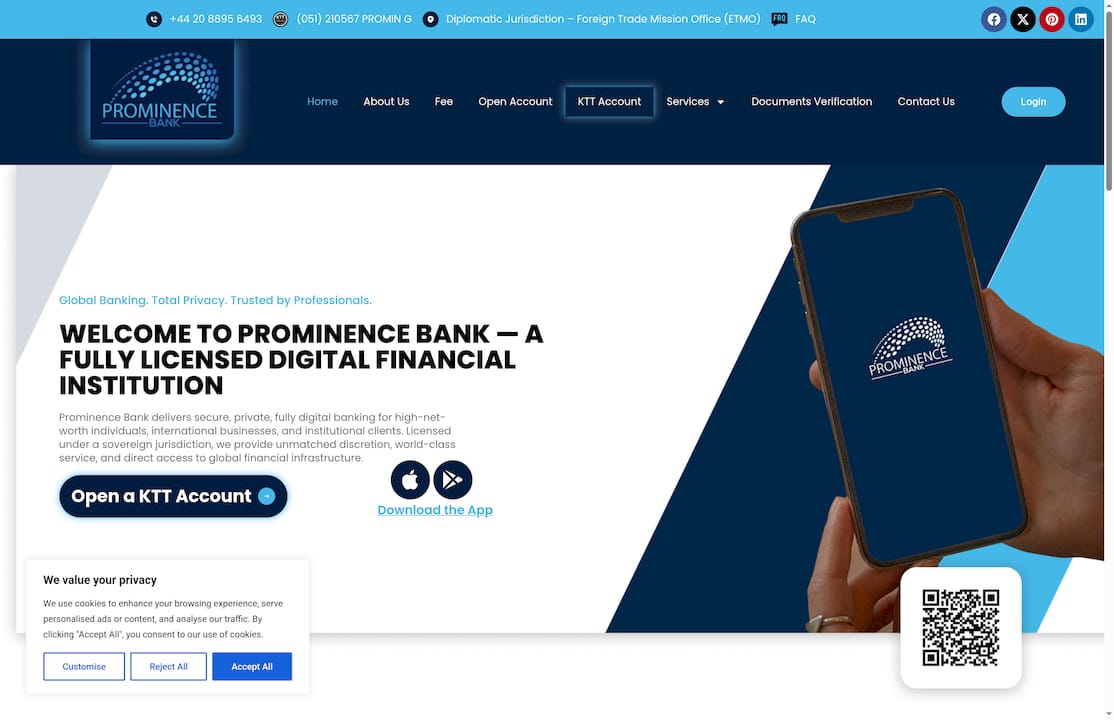
For clients managing assets across multiple jurisdictions, a Cuenta multicurrencia with Prominencebank provides both the flexibility and the security architecture that complex financial structures require. The bank’s fully online model means account access is available globally, without sacrificing the discretion that high-value clients expect. Clients who want to understand how Prominencebank structures corporate account security can review its international business account framework directly.
FAQ
What should a secure online account list include?
A secure online account list should include the service name, login URL, username or email address, and any relevant notes. It must never include passwords, which belong in an encrypted password manager.
Why should passwords be excluded from the account list?
Passwords stored in a list create a single point of failure. If the list is accessed by an unauthorized party, every account on it is compromised immediately.
What is the strongest form of two-factor authentication?
FIDO2-compliant hardware security keys are the strongest 2FA method available. They are immune to remote phishing and man-in-the-middle attacks, making them the preferred choice for financial and corporate accounts.
How often should you audit your online account list?
Audit your account list every three months. Remove inactive accounts, review connected app permissions, and confirm that recovery codes are stored securely in a password manager.
What are passkeys and why do they matter in 2026?
Passkeys are device-bound credentials that replace passwords entirely. They eliminate the risk of credential theft because there is no shareable secret, and they block phishing attacks by design.